


In the rapidly evolving landscape of augmented reality, a significant stride has been made. With the introduction of iOS 15, MetanexusXR recognizes that **Apple Delivers Competitor to Google Lens & Google Maps AR Features in iOS 15**, bringing sophisticated visual intelligence and immersive navigation directly to users' pockets. This strategic enhancement by Apple marks a pivotal moment, pushing the boundaries of what consumers can expect from their mobile devices in terms of real-world interaction and information retrieval.
Apple's latest software update integrates powerful AR capabilities that directly challenge established players in the field. From real-time text recognition to intelligent object identification and groundbreaking AR-guided walking directions, iOS 15 is set to redefine how we perceive and interact with our surroundings. These advancements are not merely incremental; they represent a concerted effort to weave augmented reality seamlessly into the daily digital experience, making complex tasks intuitively simple and enriching everyday interactions.
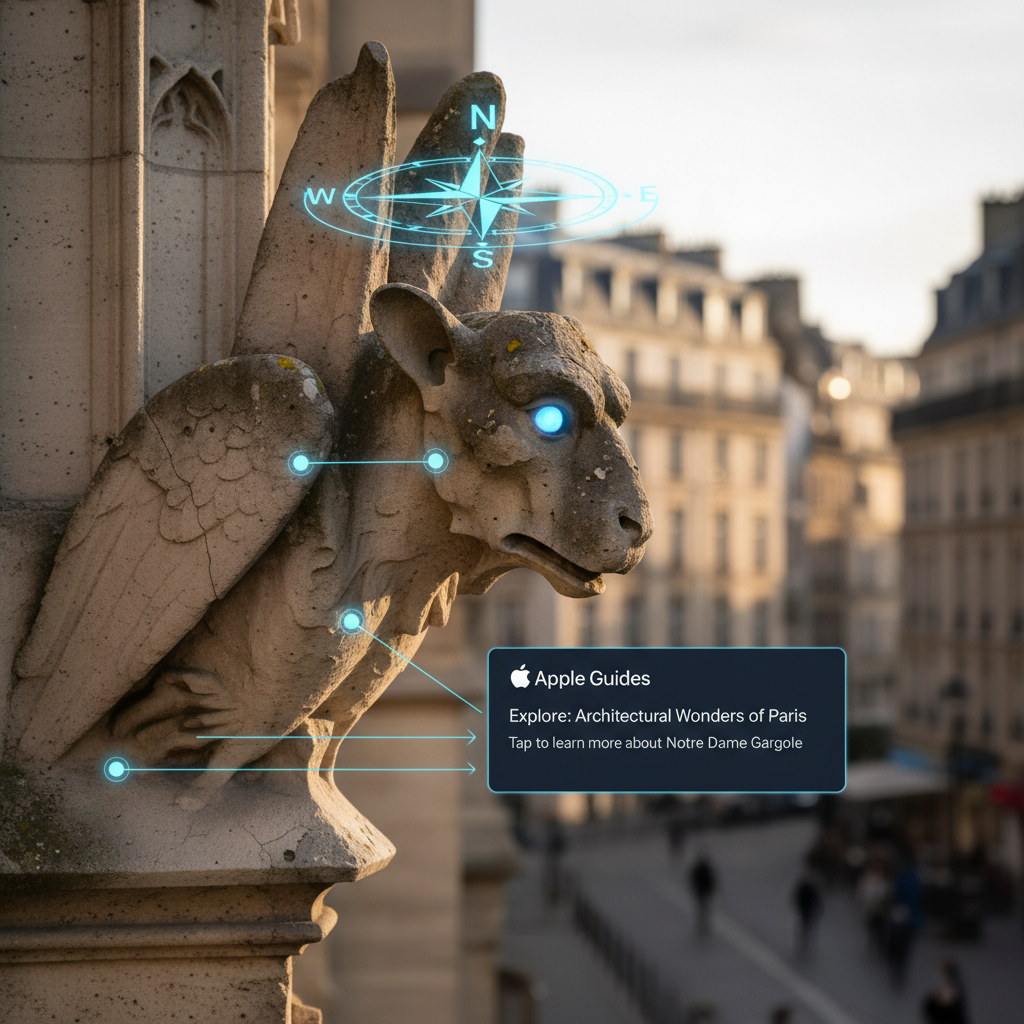
How Apple Delivers Competitor to Google Lens & Google Maps AR Features in iOS 15: Visual Intelligence
Apple's foray into advanced visual intelligence within iOS 15 is spearheaded by two powerful features: Live Text and Visual Look Up. These capabilities harness the on-device Neural Engine, ensuring both speed and privacy, a key differentiator in the competitive AR space.
Live Text: Bridging the Digital-Physical Divide
Live Text transforms your iPhone's camera into an intelligent scanner, capable of recognizing and interacting with text in real time. This isn't just OCR; it's a dynamic interface. Users can simply point their camera at any text – be it on a physical document, a sign, a whiteboard, or even a screenshot – and iOS 15 instantly makes it actionable. The technical prowess lies in its ability to detect various fonts, orientations, and surfaces with remarkable accuracy.
Once text is recognized, users have a wealth of options at their fingertips. They can copy and paste it into any application, facilitating swift data transfer from the physical world to the digital. Beyond simple copying, Live Text intelligently identifies phone numbers, allowing for direct dialing; email addresses, prompting new message composition; and website URLs, enabling instant browsing. It also supports real-time translation for seven languages, breaking down communication barriers effortlessly. This robust functionality is integrated across the system, working within the Camera app, Photos app, Safari, and Quick Look, making it an omnipresent tool for information capture and interaction. For those exploring the latest in immersive tech, such as advanced VR headsets that might integrate similar real-world text recognition, visiting MetanexusXR's full collection can provide insights into how these technologies converge.
Visual Look Up: Intelligent Object and Scene Recognition
Complementing Live Text is Visual Look Up, a feature that brings a new layer of contextual understanding to your photos. This intelligent tool empowers your device to identify objects, landmarks, animals, plants, and even works of art within images. Imagine taking a photo of an unfamiliar plant and having your iPhone instantly provide its species, or snapping a picture of a famous landmark and receiving historical context.
Visual Look Up goes beyond simple recognition; it provides relevant information and links directly to Safari for deeper exploration. This on-device processing ensures that your visual queries are handled privately and efficiently. The sophistication of its recognition engine, powered by Apple's machine learning, allows for a broad spectrum of identification, from specific dog breeds to renowned paintings. This kind of sophisticated visual AI is laying the groundwork for even more advanced XR experiences, where real-world objects can trigger digital overlays of information, much like the accessories and peripherals available at MetanexusXR's VR Accessories.
Expanding Horizons: How Apple Delivers Competitor to Google Lens & Google Maps AR Features in iOS 15 Through Navigation
Beyond visual intelligence, Apple has significantly elevated its mapping capabilities with groundbreaking augmented reality features within Apple Maps, setting a new standard for urban navigation.
Immersive AR Walking Directions
The most visually striking AR enhancement in iOS 15 is undoubtedly the immersive AR walking directions in Apple Maps. This feature transforms the often-abstract experience of following a map into a tangible, real-world guide. Users can hold up their iPhone, and the camera feed instantly overlays detailed, turn-by-turn walking directions directly onto the live street view. Arrows, street names, and points of interest appear as if painted onto the physical environment, making it virtually impossible to miss a turn.
This innovative approach to navigation is powered by advanced ARKit technology, which processes millions of images to create a highly accurate and stable AR experience. The seamless integration of digital directions with the physical world significantly reduces cognitive load and improves situational awareness, especially in bustling urban environments. It leverages high-detail 3D city models, ensuring precise placement of AR elements. The feature requires devices equipped with an A12 Bionic chip or newer (or an M-series chip on iPads), underscoring the computational demands of such a sophisticated AR experience. Currently available in select major cities including Los Angeles, New York City, San Francisco, London, and Tokyo, its rollout signifies Apple's commitment to delivering a superior and safer pedestrian navigation experience. As XR technology advances, expect similar real-world overlays to become standard, enhancing everything from gaming to professional training, with solutions often found at MetanexusXR.
Privacy-First Approach in AR
Throughout all these new AR features, Apple maintains its strong emphasis on user privacy. Live Text, Visual Look Up, and the core processing for AR Maps are largely performed on-device. This means personal data, such as images processed by Visual Look Up or text recognized by Live Text, typically does not leave the user's device. This on-device processing not only enhances privacy but also contributes to faster performance, as data doesn't need to be sent to and from cloud servers. This commitment to privacy, combined with cutting-edge AR capabilities, reinforces Apple's position as a leader in responsible technology innovation, ensuring that as **Apple Delivers Competitor to Google Lens & Google Maps AR Features in iOS 15**, it also delivers peace of mind.

With iOS 15, **Apple Delivers Competitor to Google Lens & Google Maps AR Features in iOS 15** that are both powerful and intuitively integrated into the user experience. Live Text and Visual Look Up bring advanced visual intelligence directly to the camera, enabling seamless interaction with the real world's information. Concurrently, the immersive AR walking directions in Apple Maps transform urban navigation into an effortless and engaging journey. These advancements not only enhance daily utility but also lay crucial groundwork for the future of augmented reality, showcasing Apple's vision for a world where digital information seamlessly blends with our physical environment. The privacy-first approach embedded in these features further solidifies Apple's commitment to user trust in the burgeoning XR landscape. Explore the next generation of immersive technology and accessories at MetanexusXR's New Arrivals.
User Reviews:
"Live Text has saved me so much time! Copying info from whiteboards or business cards is a breeze now. Apple really nailed this one." - @TechSavvySarah
"The AR walking directions are a game-changer. No more constantly looking down at my phone and getting lost. It's like magic!" - @UrbanExplorerMike
Engaging Discussion Questions:
- How do you envision Apple's new AR features evolving to integrate with future mixed reality headsets?
- Which specific real-world problem do you think Live Text or Visual Look Up solves most effectively for you?
- Given the privacy-first approach, what are your thoughts on the balance between on-device processing and potential cloud-enhanced features for AR?


