


The landscape of augmented reality (AR) and mixed reality (MR) continues to evolve at a breathtaking pace, with Microsoft consistently pushing the boundaries of what's possible with its HoloLens platform. A significant leap forward in user experience and functionality has arrived with the latest Windows Holographic Update. This pivotal update brings a host of improvements, most notably that MetanexusXR is excited to highlight: Microsoft Brings Chromium-Based Edge Browser, Swipe to Type & More to HoloLens via Windows Holographic Update. This isn't just a minor patch; it's a comprehensive upgrade designed to make the HoloLens 2 more intuitive, powerful, and integrated than ever before, dramatically enhancing how users interact with digital content in their physical world.
Revolutionizing Interaction: Microsoft Brings Chromium-Based Edge Browser, Swipe to Type & More to HoloLens via Windows Holographic Update
The core of this transformative update lies in the introduction of a new Chromium-based Edge browser. This shift is monumental for HoloLens users, promising a vastly improved web experience. The previous browser, based on EdgeHTML, often struggled with modern web standards and complex applications. The new Chromium foundation brings:
- Unparalleled Web Compatibility: Users can now expect a seamless experience with a wider array of websites and web applications, mirroring the performance and features found on desktop browsers.
- Enhanced Performance: Complex web applications, rich media, and interactive 3D content will load and run more smoothly, leveraging the efficiency of Chromium.
- WebXR API Support: This is a game-changer for immersive web content. The WebXR API allows developers to create AR/VR experiences that run directly in the browser, opening up a universe of web-based mixed reality applications without needing dedicated app installations.
- Progressive Web Apps (PWAs): The ability to run PWAs means web experiences can feel like native apps, complete with offline capabilities and push notifications, further blurring the lines between web and application.
- Multiple Browser Windows & Pinning: Users can now open multiple browser windows simultaneously and pin them as holograms anywhere in their mixed reality space, creating personalized, dynamic workspaces.
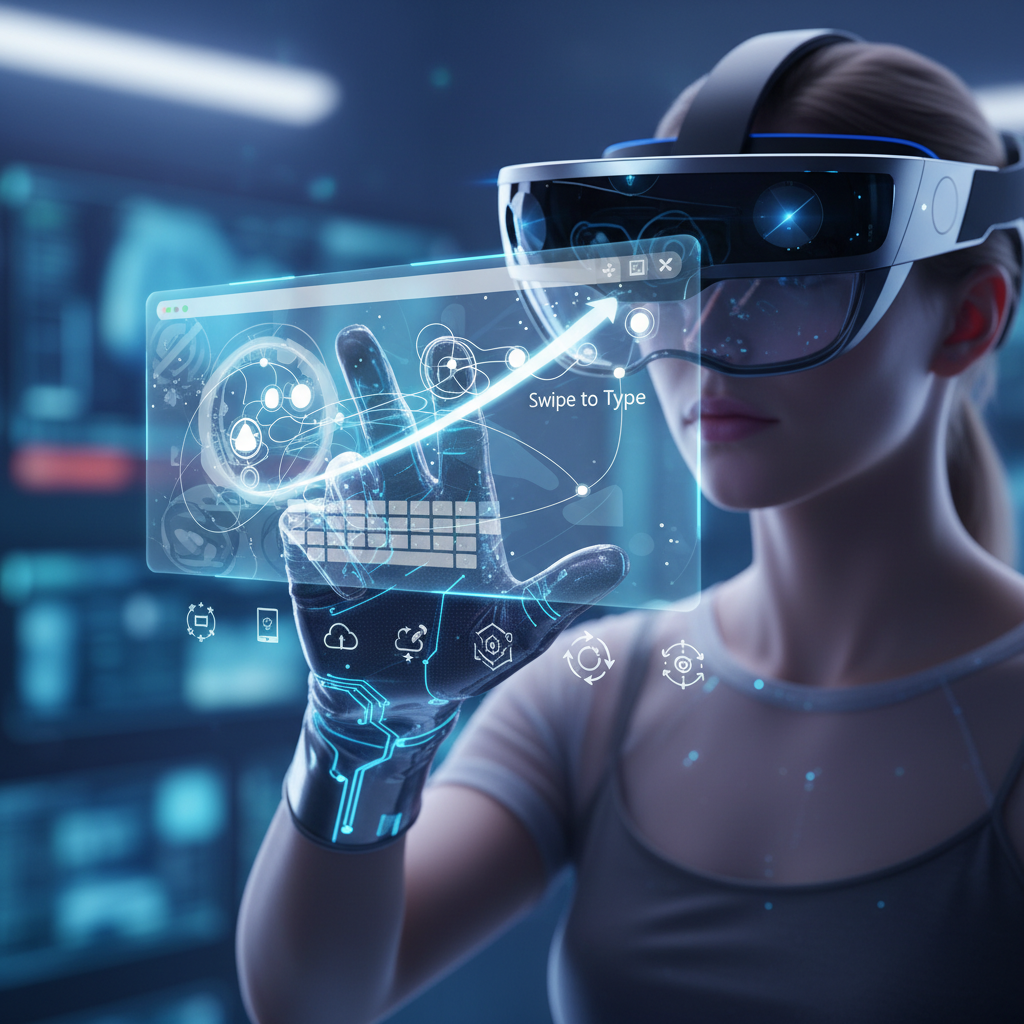
Beyond the browser, the update addresses a long-standing desire for more efficient text input with the introduction of Swipe to Type. This feature transforms the virtual keyboard experience, making text entry significantly faster and more natural. Instead of laboriously gazing and air-tapping each letter, users can now swipe their finger across the holographic keyboard, dramatically reducing the time and effort required for input. This seemingly small addition has a huge impact on productivity, especially in enterprise environments where quick annotations or data inputs are common.
Multitasking and app navigation also receive a significant overhaul. Users can now open new applications without being forced to close existing ones, streamlining workflows. A dedicated “Launch new app” button in the mixed reality home environment provides quicker access, allowing for more fluid transitions between tasks and a truly persistent holographic workspace. This empowers users to manage multiple holographic applications, from 3D models to web browsers, all simultaneously in their physical environment. For businesses leveraging HoloLens for design reviews or collaborative training, this means less friction and more focus on the task at hand. Explore how MetanexusXR's accessories can further enhance your HoloLens experience, making these new features even more intuitive.
Deeper Enhancements & The Impact of Microsoft Brings Chromium-Based Edge Browser, Swipe to Type & More to HoloLens via Windows Holographic Update
The update's benefits extend well beyond the browser and input methods. Microsoft has meticulously refined several core aspects of the HoloLens experience, significantly improving comfort, collaboration, and device management. These enhancements collectively underscore how Microsoft Brings Chromium-Based Edge Browser, Swipe to Type & More to HoloLens via Windows Holographic Update is a holistic improvement package.
Precision and Comfort: Dynamic Calibration
A standout feature is Dynamic Calibration, which automatically adjusts eye position for optimal clarity and comfort, particularly beneficial in multi-user environments. This ensures that each user experiences the sharpest possible holograms without manual adjustment, making shared HoloLens devices far more user-friendly and efficient for teams.
Immersive Collaboration: Proximity Chat (Spatial Audio)
Proximity Chat elevates collaborative experiences. Utilizing spatial audio, individuals speaking closer to you in the mixed reality space will sound louder, while those further away will sound quieter. This creates a more natural and immersive communication environment, replicating real-world social dynamics within a shared holographic workspace. Imagine a virtual meeting where you can intuitively gauge who is speaking based on their holographic position and audio cues – it's a significant step towards truly natural mixed reality interactions.
Streamlined Device Management and Security
The Windows Holographic Update also brings a host of improvements to device management and security:
- Settings Overhaul: A redesigned Settings app features easier navigation, a search bar, and dedicated pages for System, Environment (for Dynamic Calibration), Connectivity (Wi-Fi, VPN, Bluetooth, USB), Input (typing, pointing, scrolling), and Update & Security. This makes managing your HoloLens devices far more intuitive for both individual users and IT administrators.
- Enhanced Security: Support for PIN and FIDO2 authentication provides more robust and flexible login options, bolstering device security.
- Diagnostic Data Control: Users now have more explicit control over sending optional diagnostic data, enhancing privacy.
- Power Management: The ability to disable USB charging when the device is off offers greater control over power consumption.
- Miracast Stability: Improvements to Miracast connectivity ensure more reliable screen mirroring.
These refinements collectively contribute to a more robust, secure, and user-friendly platform, solidifying HoloLens's position as a leading enterprise-grade mixed reality device. For those looking to optimize their HoloLens setup, consider exploring MetanexusXR's range of VR accessories designed to complement and enhance your XR experience. With the new WebXR API support, the potential for web-based AR experiences is immense. From interactive product visualizations to immersive training modules, the web browser on HoloLens is no longer just for browsing, but a portal to rich, interactive mixed reality content. This opens up new avenues for content delivery and accessibility, further extending the reach and utility of the HoloLens platform. Discover innovative ways to interact with your new capabilities through MetanexusXR's comprehensive collection.
The latest Windows Holographic Update for HoloLens is a monumental step forward, bringing a suite of features that significantly enhance usability, performance, and collaborative potential. From the robust Chromium-based Edge browser and efficient Swipe to Type functionality to critical advancements in dynamic calibration, spatial audio, and device management, every aspect of the HoloLens experience has been refined. This update empowers enterprises, educators, and developers to unlock new levels of productivity and innovation in mixed reality. The future of AR/MR interaction on HoloLens is brighter than ever, promising more intuitive workflows and richer immersive experiences. Don't miss out on enhancing your HoloLens experience; explore the latest innovations and accessories at MetanexusXR's New Arrivals.
User Reviews:
"Finally, a browser that works! The Chromium Edge update is a game-changer for our architecture firm. We can now pull up complex web models directly in MR without a hitch. And swipe to type? A lifesaver!" - Alex M., Lead AR Designer
"Dynamic Calibration alone makes this update worth it for our training simulations. No more fumbling with settings between users. The HoloLens 2 feels even more polished and ready for prime time." - Dr. Chen L., Medical Educator
Engaging Discussion Questions:
- How do you foresee the WebXR API support transforming web-based AR content and its accessibility on HoloLens?
- What specific enterprise applications do you think will benefit most from the new Chromium Edge browser and Swipe to Type feature?
- Beyond the listed updates, what other functionalities or improvements would you hope to see in future Windows Holographic updates?


